
Your schedule shouldn’t live in a printed book.
Assignar puts the crane schedule in the cloud and on every crew’s phone, then carries each job through to the signed ticket, the invoice and the margin.
Illustrative example: a crane schedule board with jobs for four cranes across the day. Jobs are sent to crews’ phones, a double-booking is flagged, and the job is moved to a free slot with the crew notified.
You’ve got the board. But everything after dispatch is manual.
A schedule only a few people can open.
When the board lives on one desktop, the real plan ends up printed and passed around.
Dispatch by screenshot.
Because crews have no app, jobs go out as texts and photos of tickets, so nobody’s sure who saw the change.
Jobs that lock after dispatch.
Edit a job and its history disappears, so payroll and billing can’t look back.
Profit pieced together by hand.
Invoices get re-keyed into accounting, and then margin is built from exports, payroll reports and card statements.
Results from crane teams on Assignar
- 4 hrs/dayAdmin time saved by removing manual processesKwik Logistics
- 1–2 weeksSaved collecting and approving service ticketsActive Crane Hire
- 50%Less time chasing paperworkDPW Plant Hire
- Same dayTickets in and invoiced the day the work is doneHi-Range Crane Forks
Results reported by crane customers after moving to Assignar, from published case studies.
What changes when you switch
Dispatch boards are good at one thing: the schedule. However, everything after dispatch, from the crew’s ticket to the invoice, usually happens somewhere else. Here’s what changes when you move to Assignar.
| What you need | Assignar | Typical dispatch-only setup |
|---|---|---|
| Crane and crew schedule | Cloud board with double-booking and missing-resource flags, open to the whole team | Desktop board with limited seats |
| Getting the job to the crew | Mobile app with job details, documents and site info | Texts, calls or a separate forms app |
| Changing a job after dispatch | Edit the job and keep its history | Job locks, so edits lose the history |
| Compliance | Dispatch blocked on expired tickets, licenses or certs | Checked by hand |
| Field tickets | Digital tickets, JSAs, signatures and photos | Paper or a separate app |
| Quote to invoice | Quote becomes the order; approved tickets become invoice lines | Invoices re-keyed in accounting |
| Job cost and margin | Labor, equipment and third-party costs by job | Built in spreadsheets |
Comparison based on publicly available information and customer feedback as of October 2026.
Why crane teams switch
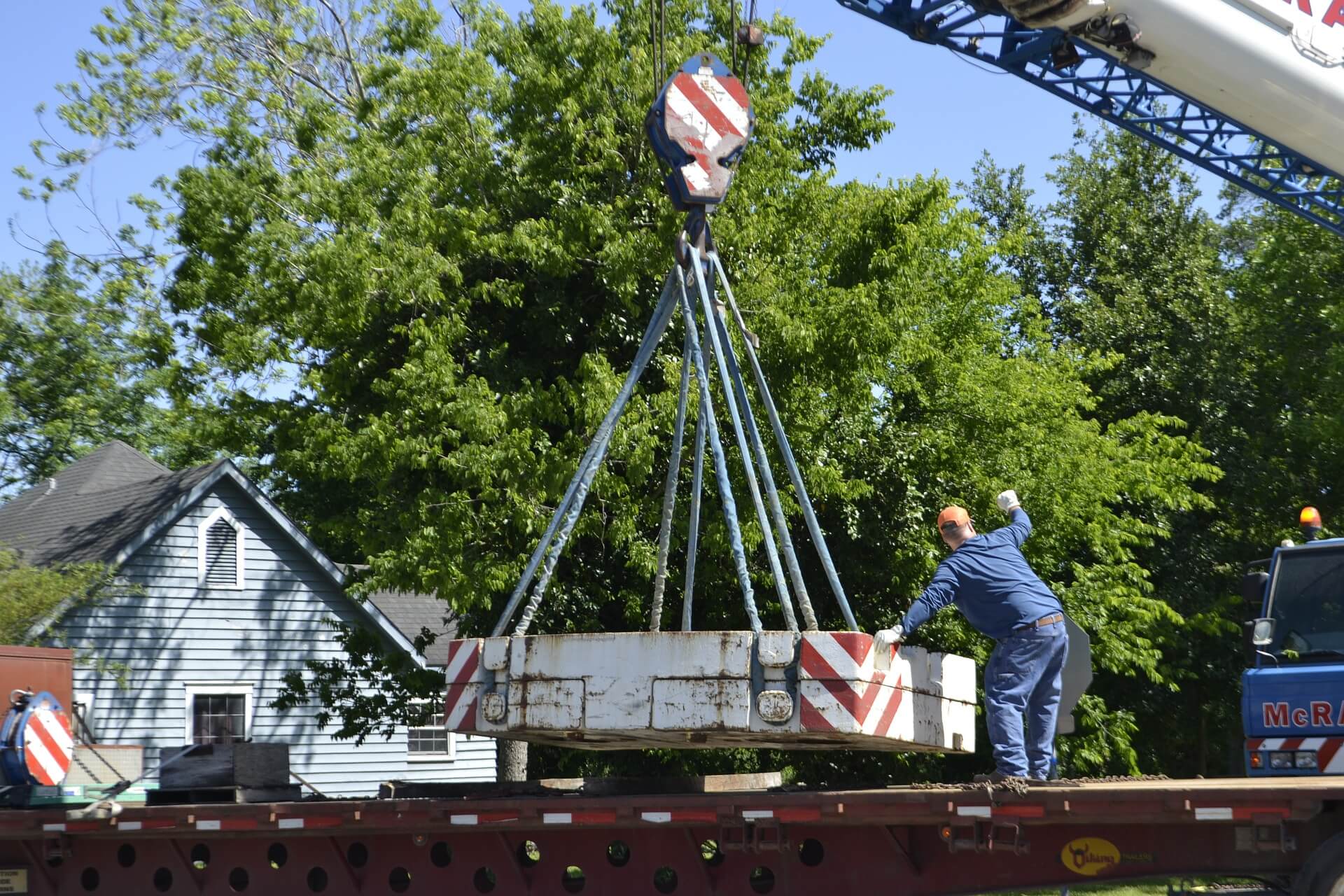
Dispatch that reaches the cab
Crews get the job, the lift plan and the safety forms on their phone, so nobody works from a screenshot.
Safety you can prove
Nobody gets dispatched on an expired cert, and every JSA is signed and stored.
Bill the day the job ends
Signed tickets turn into invoice lines at your rates, so billing starts the same day.
Built for the way crane crews work
Watch how crane teams run their day in Assignar, from the board to the lift and finally to the invoice.
Your jobs, running in Assignar, before you commit
Bring your board over
We start by importing your fleet, crews and customers, so the board looks familiar from day one.
Proof of concept
Then you run your real jobs through Assignar, from dispatch to invoice.
Division-by-division rollout
Go live one division at a time while your current board winds down.





The platform has made my life so much easier to manage our equipment and staff. I am able to see what is happening on a weekly or monthly basis and plan ahead accordingly.
Questions from Visual Dispatch users
Will our dispatchers have to relearn scheduling?
No. Jobs go on a drag-and-drop board, and it flags double-bookings and missing resources, so conflicts show up before crews are sent.
Can we keep our accounting system?
Yes. Assignar connects to your accounting system so finance keeps its ledger.
Can we try it with our own jobs?
Yes. We build a proof of concept from your own jobs, crews and rate sheets, so you see it working before you commit.
Do we have to switch everything at once?
No. Instead, most teams roll out one division at a time.
Take your schedule all the way to the invoice
When you book, bring a real job from your board. Then we’ll show you how it goes from dispatch to signed ticket to invoice.
Visual Dispatch is a trademark of its respective owner. Assignar is not affiliated with Visual Dispatch. Comparisons reflect publicly available information and customer feedback as of October 2026, so details may change.